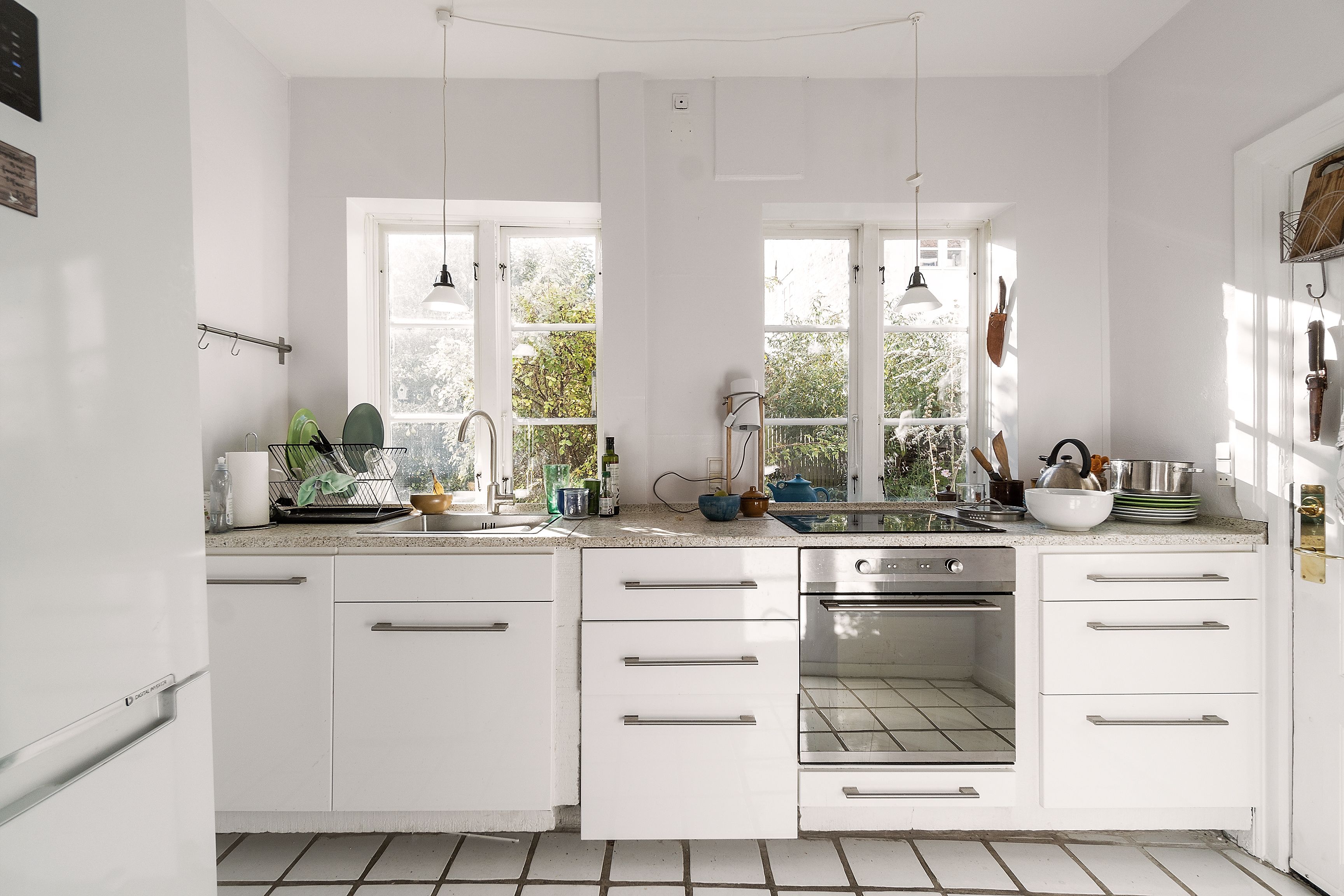
Real estate panorama photo editing services help you present entire spaces in a way that buyers can quickly understand and trust. When your panoramas are clean, consistent, and technically correct, they support smoother virtual tours, stronger listing pages, and a more professional brand image for agents, photographers, and brokerages. In this article, you’ll learn what real estate panorama photos are and how they can support your business goals, and practical tips to get the best results from your provider.
What Are Real Estate Panorama Photos?
Real estate panorama photos are wide, continuous images that show a room or area in an extended field of view, often up to 360°. Instead of a single narrow frame, a panorama lets viewers see more of the surroundings in one image or interactive view.
Common capture workflows
DSLR + pano head / nodal head: Photographers mount a DSLR on a panoramic or nodal head to rotate the camera around the lens’s nodal point. They capture a series of overlapping frames and later stitch them into a seamless panorama.
360° cameras: Compact 360° cameras capture an entire sphere (or near‑sphere) in one or two shots using multiple lenses. Files are then processed into equirectangular images for virtual tours or panoramic viewers.
Multiple overlapping frames stitched together: Even without a dedicated pano head, photographers can shoot overlapping images by carefully rotating the camera. Specialized software aligns and stitches these frames into a single wide image.
Where they are used in real estate
Virtual tours and 360° walkthroughs of homes and commercial spaces.
Key listing pages showcase living rooms, kitchens, master suites, and outdoor areas.
Project showcases for architects, interior designers, and developers.
Marketing content for hotels, resorts, co‑working spaces, and rental properties.
Read more: Best Real Estate Photo Editing Services for the US
What Real Estate Panorama Photo Editing Services Offer
Real estate panorama photo editing services turn raw 360° captures into clean, consistent, and ready‑to‑publish visuals that work smoothly across listing pages, virtual tours, and marketing channels.
360° Panorama Stitching
Editors take your bracketed or single‑exposure frames and stitch them into a single, continuous panorama. This involves aligning overlapping images, correcting mismatches between frames, and removing visible seams or “ghosting” from moving objects. They also choose the most suitable projection (e.g., equirectangular) for your virtual tour platform so the final file displays correctly.
HDR Blending & Enhancement
To handle mixed lighting, editors blend multiple exposures into an HDR panorama that shows detail in both bright windows and darker corners. They refine white balance to avoid color casts, adjust contrast so the image feels clear but not harsh, and fine‑tune saturation so surfaces, wood tones, and outdoor views look natural and appealing.
Object Removal & Cleaning
Small distractions in a 360° image are easy for viewers to spot. Editors remove tripods and camera reflections, hide the photographer from mirrors and glass, and clean up clutter such as cables, bins, stains, or signage when appropriate. They can also retouch minor wall marks and floor imperfections so the space looks tidy without misrepresenting key features.
Perspective & Distortion Correction
Panoramas can exaggerate curves and angles, especially near the nadir and zenith. Editors correct vertical and horizontal lines so walls and door frames look straight, manage stretching at the edges, and adjust the horizon for a level view. This makes the space easier to read and more comfortable for buyers viewing on desktop, tablet, or mobile.
Day-to-Dusk Conversion
For selected viewpoints, editors can turn a daylight capture into an evening scene with balanced interior lighting and a subtle dusk sky. This often includes refining window views, adding realistic warm light to fixtures, and ensuring color consistency across the full 360° image. These converted panoramas are typically used as hero scenes for listings, landing pages, or key stops in a virtual tour.
Read more: How Real Estate Photo Editing Companies Can Boost Your Revenue
How Real Estate Panorama Photo Editing Services Benefit Your Business
Real estate panorama photo editing services help you get more value from every 360° capture by improving how buyers experience your listings and how efficiently you work behind the scenes.
More Immersive Listings and Longer Engagement
Edited panoramas keep buyers focused on the property instead of on technical flaws.
Buyers can look around a room in one view instead of clicking through many separate photos.
Clean stitching, even exposure, and steady color reduce distractions.
Smooth 360° movement gives a calm viewing experience that encourages buyers to stay longer.
Clearer Understanding of Space and Flow
Wide, corrected views give buyers a better sense of layout before a visit.
Panoramas show how rooms connect, where openings sit, and how people might move through the space.
Straight verticals and balanced light make ceiling height, width, and depth easier to read.
Buyers can check if furniture, equipment, or household needs will fit key rooms.
Stronger First Impressions and Brand Perception
Consistent visuals across listings reflect how you work with detail and presentation.
A similar look and tone across panoramas creates a recognizable style.
High‑quality 360° content shows that you take care with marketing materials.
Owners and buyers see a clear difference when they compare your listings with others.
More Qualified Leads and Better Conversions
Better online viewing often means fewer “just curious” inquiries.
Buyers can review layout, light, and key features in detail before they reach out.
People who contact you usually have a more realistic picture of the property.
Showings become more focused, which can reduce wasted visits and time.
Operational Efficiency at Scale
A dedicated editor or editing team makes it easier to handle many panoramas each week.
Batch workflows keep color, contrast, and corrections similar across projects.
Your in‑house team spends less time fixing files and more time on shooting or client tasks.
Turnaround becomes more predictable, which supports listing schedules and launch dates.
Read more: 5 Mistakes You're Making With Your Real Estate Photo Editing AI
Tips to Enhance The Results of Real Estate Panorama Photo Editing
A few small changes in how you shoot and brief your editor can noticeably improve the final panoramas.
1. Capture with Editing in Mind
Plan the shoot so the editor receives consistent, complete coverage of each room.
Choose camera positions that show the full space and key sightlines.
Keep enough overlap between frames when using a DSLR setup.
Use a stable tripod and avoid movement in the scene while the camera rotates.
2. Control Lighting as Much as Possible
Simple, consistent light in the room makes editing smoother and results more natural.
Turn on interior lights and decide on a clear approach for curtains and blinds.
Reduce mixed light types where possible (for example, very warm lamps plus very cool daylight).
Schedule key interiors for times of day with softer light and fewer harsh shadows.
3. Keep Spaces Tidy and Neutral
A clean scene reduces the amount of retouching and looks better in 360°.
Remove visible clutter, bins, cables, and personal items from open areas.
Straighten chairs, cushions, and bedding, and check mirrors and glass for unwanted objects.
Aim for simple, neutral styling that lets layout and structure stand out.
4. Share Clear Guidelines with Your Editing Partner
Written guidance and examples make it easier for editors to match your style.
Send sample images that show your preferred color, contrast, and overall mood.
Note how you want windows handled, how much object removal is acceptable, and any brand elements.
Flag special scenes (hero rooms, lobby, key amenities) that should receive extra attention.
5. Review, Test, and Refine
Regular review keeps results moving closer to what you and your clients expect.
Check finished panoramas inside your virtual tour or listing platform, not only as flat files.
View them on desktop and mobile to spot issues with comfort, text readability, or detail.
Collect comments from your team and clients, then update your brief so future edits improve over time.
Read more: Real Estate Photography Editing Services For Luxury Listings, What's The Difference?
Scale Your Real Estate Panorama Photo Editing with Esoft
Esoft includes real estate panorama photo editing services as part of a complete photo editing suite for property marketing. With 20+ years of experience in real estate visuals, we support agents, photographers, and marketing teams with reliable quality and consistent results across large portfolios.
Our photo editing services include:
Social Media Photo – images prepared and sized for property campaigns on major social platforms.
Enhancement – color and contrast work, sky updates, window detail, and clarity for listing photos.
Retouching – object removal, minor cleanup, and targeted corrections to keep spaces clear and ready to market.
Conclusion
Real estate panorama photo editing services turn raw 360° captures into clear, consistent visuals that work across listings, virtual tours, and campaigns. With careful stitching, HDR work, cleanup, and correction, your panoramas give buyers a better feel for space and flow, help them pre‑qualify themselves, and support a steady visual standard for your brand. If you are ready to improve how your properties look online, contact Esoft to explore the right editing setup for your team.
Related Blogs
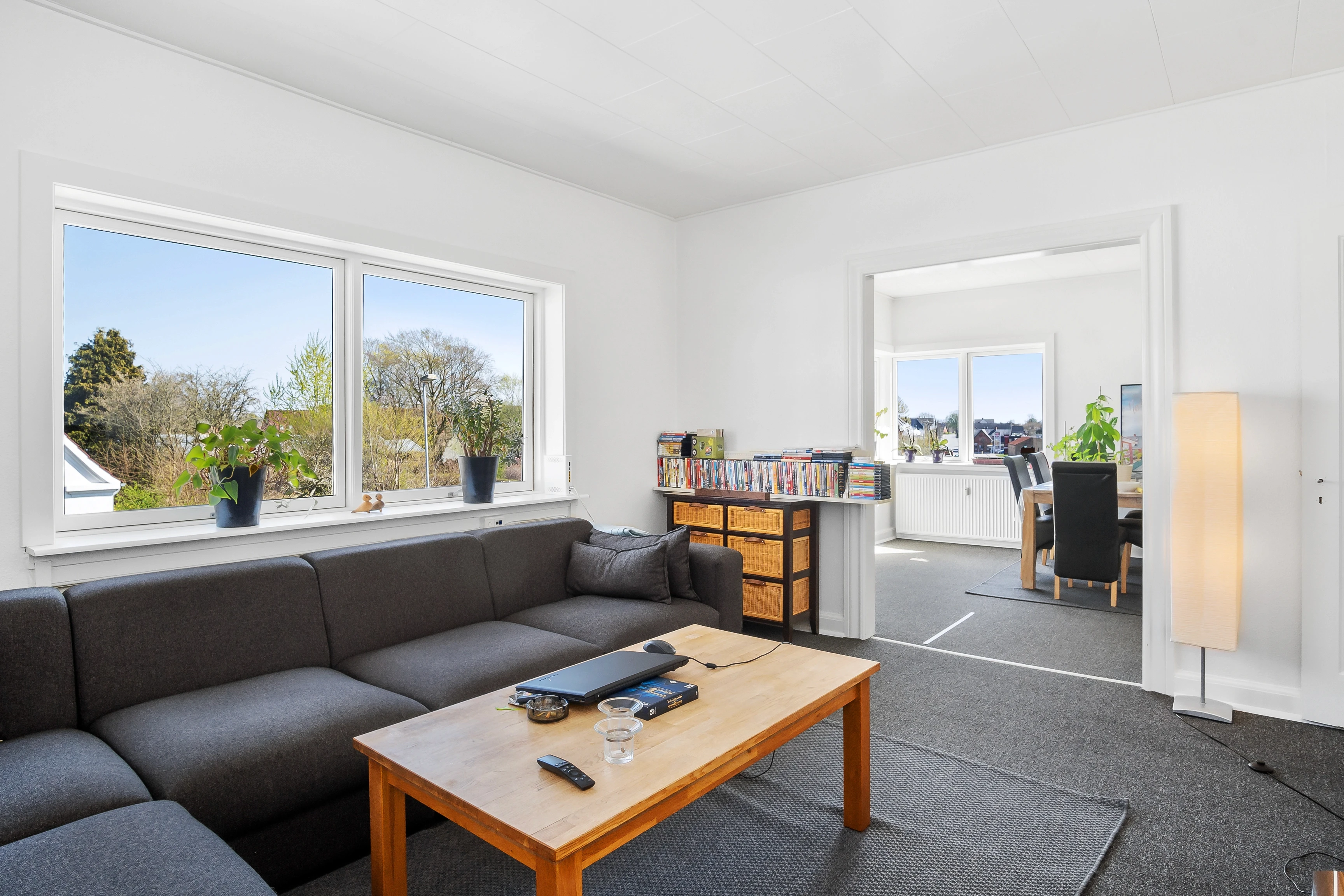
Virtual decluttering in real estate photo editing
Photo Editing
Flambient Real Estate Photo Editing: A Complete Guide for Perfect Lighting
Photo Editing
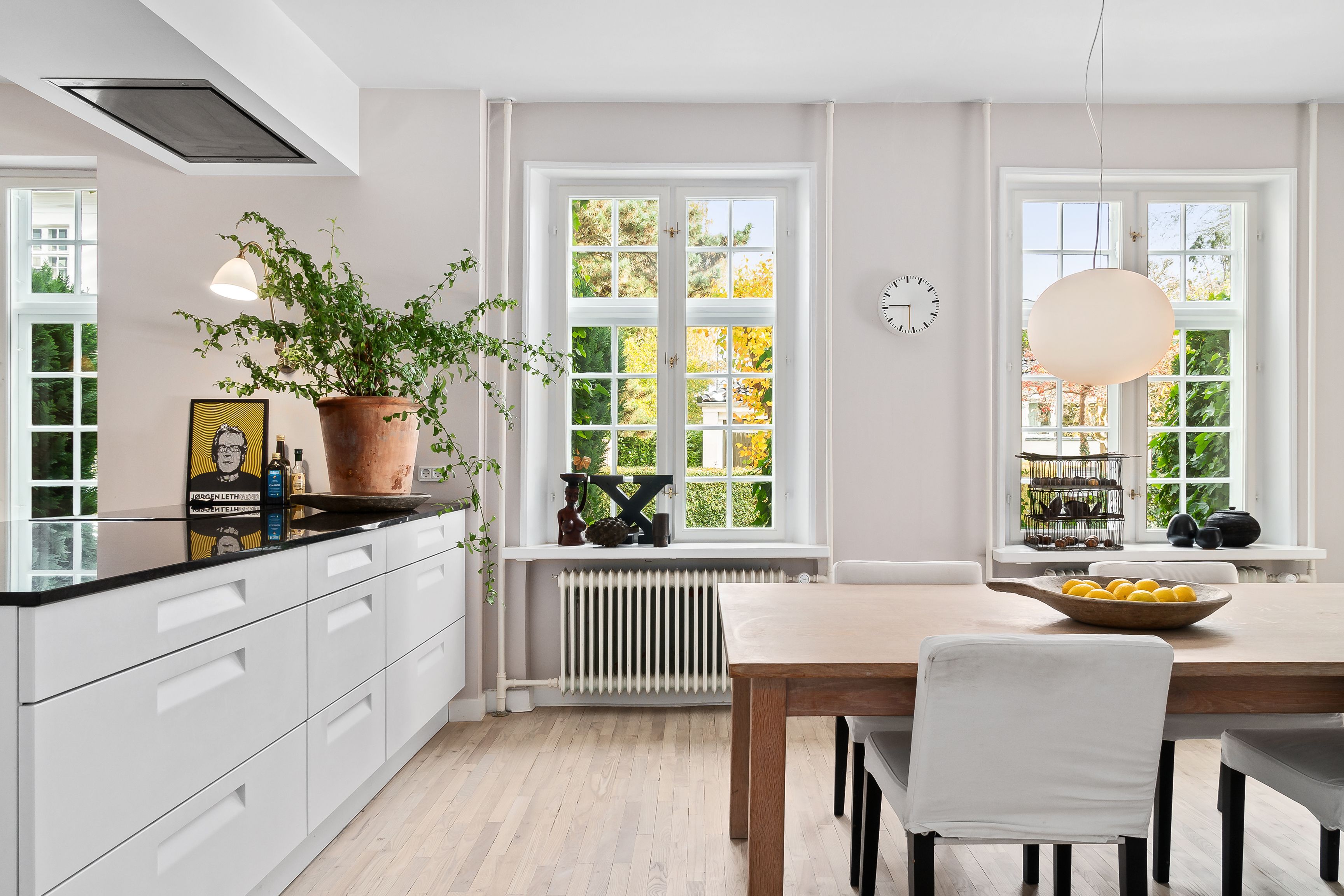
Common mistakes and how to fix interior real estate photo editing?
Photo Editing
What are real estate panorama photo editing services? How can they benefit your business?
Photo Editing



Linh Phan
Content Strategy Executive
No Spam, Just Updates
Our fresh blogs provide technical and industrial information that helps strengthen your business. Sign up to be the first to receive the new updates
