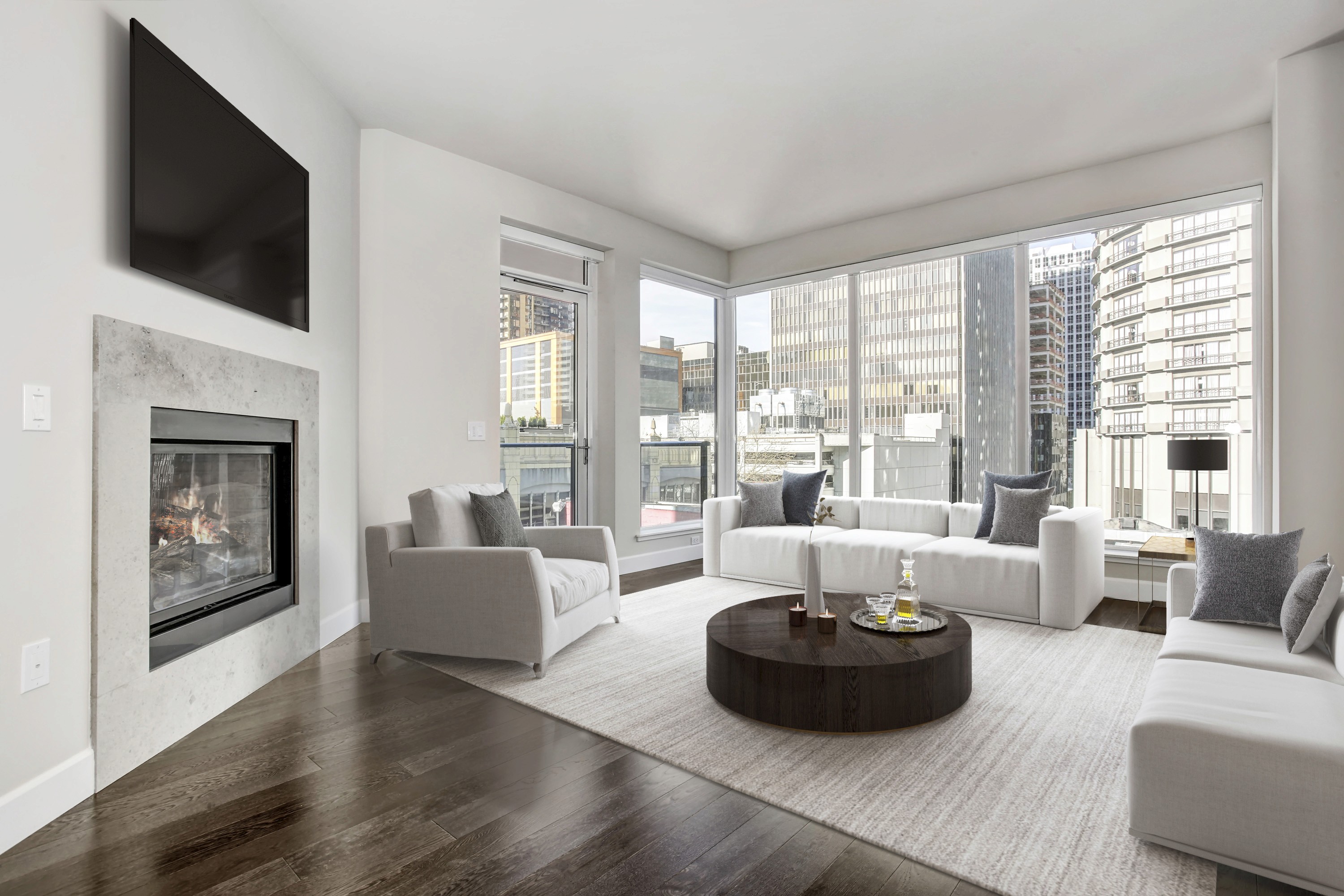
Empty rooms, dated furniture, or half‑finished spaces can hold back an otherwise strong listing. Virtual staging for real estate photos gives agents and photographers a practical way to show each room at its full potential, aligned with local buyers and budget. Used well, it can boost clicks, help buyers understand layout and lifestyle, and support stronger campaigns across portals and social. In this guide, we will walk through popular staging styles, key benefits, best practices, common mistakes, and how to choose between AI tools and professional virtual staging services.
What Is Virtual Staging for Real Estate Photos?
Virtual staging for property marketing uses digital tools to furnish and style real estate photos without bringing in physical furniture. Editors or AI tools add furniture, decor, rugs, art, and light cosmetic changes so buyers can see how an empty or outdated room might function.
In practice, the workflow is simple:
Shoot the property (usually empty or lightly furnished).
Upload images to a virtual staging platform or partner.
Select style / room function (e.g., Scandinavian living room, home office, kids’ room).
Designer or AI tool adds furniture and decor following your brief.
Receive finished, listing‑ready photos for portals, social, and print.
Most Popular Virtual Staging Styles for Real Estate Photos
Scandinavian
Scandinavian virtual staging focuses on light, simplicity, and a sense of calm. Rooms are styled with soft whites and neutral tones, light woods like oak or birch, and clean, unfussy furniture. Decor is minimal but intentional, with textiles, plants, and a few well‑placed accessories to keep the space feeling warm without feeling busy. This approach helps smaller or darker rooms appear brighter, more open, and easy to imagine living in.
Best for:
Smaller spaces and compact floor plans
City apartments and modern condos
Listings aimed at young or design‑conscious buyers
Coastal / Beach / Hamptons
Coastal and Hamptons‑inspired staging builds a relaxed, holiday‑ready mood. Whites, soft blues, and sandy neutrals dominate, with natural textures like linen, jute, rattan, and light timber. Furniture feels comfortable and casual, often with slip‑covered sofas, woven baskets, and light, flowing curtains. This style leans into natural light and indoor‑outdoor flow, highlighting any connection to water, views, or outdoor entertaining.
Best for:
Coastal markets and beachside suburbs
Vacation homes, lake houses, and short‑stay rentals
Listings that emphasise lifestyle and outdoor living
Industrial / Urban Chic
Industrial or urban chic staging suits properties with character and edge. It uses darker, moodier palettes with charcoal, black, and deep neutrals, balanced by metal, leather, exposed brick, and raw timber. Furniture is often streamlined but substantial, with bold statement pieces, oversized artwork, and strong lighting fixtures. This look highlights architectural features like high ceilings, large windows, and open‑plan layouts.
Best for:
Lofts and warehouse conversions
Inner‑city and downtown apartments
Buyers drawn to creative, urban, or design‑led spaces
Modern/Contemporary
Modern or contemporary virtual staging delivers a polished, up‑to‑date feel that aligns with many new builds and renovated homes. Spaces are kept clean and uncluttered, with streamlined furniture, integrated storage, and a restrained color palette accented by a few standout pieces. The focus is on strong lines, quality finishes, and practical layouts that photograph well across all devices.
Best for:
New construction and recently renovated properties
High‑end condos and premium urban listings
Markets where buyers expect sleek, design‑driven interiors
Read more: 2026 Popular Services & Add-Ons Demand In Real Estate Photo Service
Benefits of Virtual Staging for Real Estate
1. Cost‑Effective Compared to Physical Staging
Virtual staging lets agents and sellers present fully furnished rooms at a fraction of traditional staging costs. Instead of paying for furniture rental, delivery, styling, and insurance, you pay per photo or room, typically in the 10–100 range depending on complexity and provider. There are no logistics, storage fees, or damage concerns, which makes it easier to justify staging even for smaller or mid‑range listings.
2. Faster Sales and More Interest
Buyers can easily understand how a space can function, especially when rooms are vacant, awkwardly shaped, or hard to visualise, thanks to virtual staging. Styled photos tend to perform better on portals and social: more clicks, more time spent on the listing, and more inspection requests. The property makes a stronger first impression online, which can support more competition and faster decisions once buyers are in the door.
3. Flexible Styles for Different Target Buyers
Because it is digital, you can tailor the look of each room to the audience you want to reach. Switching from Scandinavian to industrial or modern is as simple as updating the brief, rather than re‑staging a whole property. This flexibility helps you align with:
Neighborhood demographics
Price segment and positioning
Property type (family home vs. downtown loft, investor stock vs. owner‑occupier)
You can even request alternate versions of key rooms to test what resonates best on different channels.
4. Clutter and Furniture Removal
Virtual staging can start with a clean‑up phase. Editors remove visual distractions like heavy clutter, dated furniture, or personal items so the room feels neutral and spacious. From there, new furniture and decor are added in a style that suits the property and market. This “clean slate” approach is especially helpful when sellers cannot or will not fully declutter before photos.
5. Scalable and Easy to Update
Once you have a workflow in place, virtual staging becomes easy to scale across multiple listings and campaigns. If the price, target audience, or marketing strategy changes, rooms can be restaged without scheduling new shoots, provided the base photos still reflect the property accurately. The staged images can also be reused for social media, email campaigns, brochures, and ads, giving you more value from each asset set.
Read more: How Photography Editing Companies Work With Real Estate Media Franchises?
Key Considerations When Using Virtual Staging for Real Estate Photos
1. Style Consistency Across the Whole Property
A clear visual story matters. Aim for one main style, or two that work well together, and carry that look through living areas, bedrooms, and key spaces. When every room follows a similar design language, buyers find it easier to understand how the home flows.
Practical tips:
Choose 1 primary style (e.g., Scandinavian or Modern).
Use a second style only if it genuinely fits the architecture or target buyer.
Avoid dramatic switches (e.g., ultra‑modern living room with rustic bedroom).
2. Realism and Proportion
Virtual staging must feel believable in scale, lighting, and layout. Furniture should fit the room correctly, with enough circulation space and realistic ceiling clearances. Lighting and shadows need to match the original photo so items sit naturally in the scene.
Check for:
Correct furniture size relative to doors, windows, and ceilings
Natural light direction and matching shadows
No “floating” objects, warped legs, or impossible angles
All structural elements (columns, beams, bulkheads) still visible
Do not remove or disguise permanent issues that buyers will see at inspection; the goal is to clarify potential, not to misrepresent the property.
3. Transparency and Compliance
Clear labelling and honest communication keep buyers and regulators on side. Many MLSs and portals have specific rules for virtually staged images, so process and wording should be consistent across your marketing.
Best practices:
Always label relevant images as “virtually staged” or similar required wording.
Follow your MLS/portal guidelines for file naming and captions.
Brief agents to explain which elements are virtual during showings.
Being upfront builds trust while still allowing you to showcase what the space can become.
4. Best Use Cases
Virtual staging works best when it adds clarity and helps buyers understand the use and layout. It is particularly effective when the “before” image leaves too much to the imagination.
Ideal scenarios include:
Empty rooms or entire vacant properties
Outdated interiors where you want to show a fresh, updated concept
Commercial spaces needing example office layouts, retail concepts, or co‑working configurations
In these cases, virtual staging becomes a strategic tool to support better decision‑making and more confident enquiries.
Read more: How Speed Becomes Strategy In Photo Editing For Real Estate Agents
Common Virtual Staging Mistakes to Avoid
Even with strong tools, a few recurring mistakes can undermine trust and reduce the impact of your images.
Over‑furnishing rooms
Packing in too many pieces makes spaces feel cramped and unnatural. Aim for clear walkways, simple layouts, and a few key items rather than full showroom sets.
Using styles that do not fit the property
Very trendy or extreme looks can clash with the architecture or local expectations. A Hamptons fit‑out in a basic inner‑city walk‑up or heavy industrial in a suburban family home can feel off for buyers.
Inconsistent styles from room to room
Jumping from modern to rustic to boho across one listing confuses the story. Keep a consistent style or two that genuinely suit the home and target audience.
Poor quality or unrealistic renders
Common issues include wrong perspective, blurry or pixelated edges, strange reflections, and shadows that do not match the room. These details make staging feel fake and distract from the property itself.
Misleading edits
Removing permanent elements (columns, bulkheads, low ceilings, radiators, major defects) crosses the line from presentation to misrepresentation. Virtual staging should not promise a layout or condition that buyers will not see in person.
Ignoring the target buyer and local market
Staging that ignores who is likely to buy the property risks missing the mark. A downtown investor loft needs a different look from a suburban family home. Always stage with likely buyers and local preferences in mind.
AI Virtual Staging Tools vs. Professional Designer Services
1. AI Virtual Staging Tools
AI‑based virtual staging tools are becoming a standard option, especially for high‑volume work and lower‑budget listings. They typically allow users to upload photos, choose a room type and style, then generate staged images in minutes.
Pros
Fast turnaround, often near‑instant for simple rooms
Lower cost per image, suitable for entry‑level or rental stock
Easy to use once the workflow is set up, even for non‑designers
Modern platforms often include style presets and furniture libraries, so you can quickly choose Scandinavian, modern, or coastal sets that align with your market.
Cons
Limited fine control over layout, small decor choices, and brand nuances
Risk of generic or repetitive results if everyone uses the same presets
May struggle with complex angles, unusual room shapes, or high‑end listings that need a very specific look
Even with better libraries and templates, AI results still benefit from human review to catch realism issues and ensure the images match your brief.
2. Professional Virtual Staging Services
Professional services pair technology with human designers who understand real estate, interior styling, and brand requirements.
Pros
Designers choose furniture, layout, and decor that fit the property, brand, and local buyers
Higher realism, with careful attention to scale, perspective, and lighting
Strong style consistency across all rooms in a listing or across multiple listings
Easier to brief for specific needs (developer mood boards, brand guidelines, or unique target segments)
Some providers, like Esoft, combine this designer input with a curated furniture and material library, giving clients the ability to select sets that match their preferred styles while keeping results consistent across portfolios.
Cons
Higher cost per room compared with basic AI tools
Turnaround is typically measured in hours (12–48 hours) rather than minutes
For brand‑critical campaigns, however, the added control and polish can justify the investment.
3. Which Option Is Best for You?
The right mix depends on your role, budget, and brand expectations.
For agents
Use AI‑driven virtual staging for:
Entry‑level rentals and lower‑budget sales
Simple, box‑shaped rooms where speed and cost control matter most
Use professional virtual staging for:
Key listings, prestige properties, and new developments
Brand‑sensitive campaigns where consistency and detail are essential
For photographers and media companies
Offer a two‑tier solution to cover your full client base:
An “AI basic” option for cost‑sensitive or high‑volume clients
A “pro designer” option for agents, builders, and brands who need tailored staging and a consistent visual identity
If you work with a partner like Esoft, you can also tap into a shared furniture and material library plus self‑editing options, allowing clients to adjust layouts or colors themselves while still relying on a professional backbone for more complex or high‑stakes projects.
Read more: 5 Best Real Estate AI Photo Editor Tools in 2026: Speed, Quality, and Scale
Esoft Virtual Staging Service - Flexible, Scalable, and Buyer‑Focused
Esoft virtual staging is designed for agents and photographers who need both speed and control. Behind the scenes, we combine AI with experienced designers, but we also give you tools to shape the final result.
A key strength is our virtual staging library: a wide range of furniture and material sets grouped by style (Scandinavian, coastal, modern, industrial, and more). You can choose the look that fits your brand, property type, and target buyer, and keep that style consistent across multiple listings.
For even more control, our self‑editing option lets you fine‑tune rooms yourself. Within an intuitive interface, you can:
Place and move furniture and decor
Adjust colors and materials to match your preferences
Swap sets to test different styles for the same space
This combination of curated libraries, self‑editing tools, and professional designer support allows you to handle quick, budget‑friendly staging and high‑end, brand‑critical campaigns within one streamlined workflow.
Conclusion
Used thoughtfully, virtual staging for real estate photos helps buyers understand space, layout, and lifestyle without the cost and delays of physical staging. The right styles, realistic execution, and clear labelling can lift clicks, enquiries, and brand perception while staying compliant and trustworthy. AI tools work well for simple, budget‑conscious listings, while professional services and curated libraries shine on key campaigns and premium properties. If you want flexible, scalable virtual staging with both self‑editing options and expert support, contact Esoft.
Related Blogs
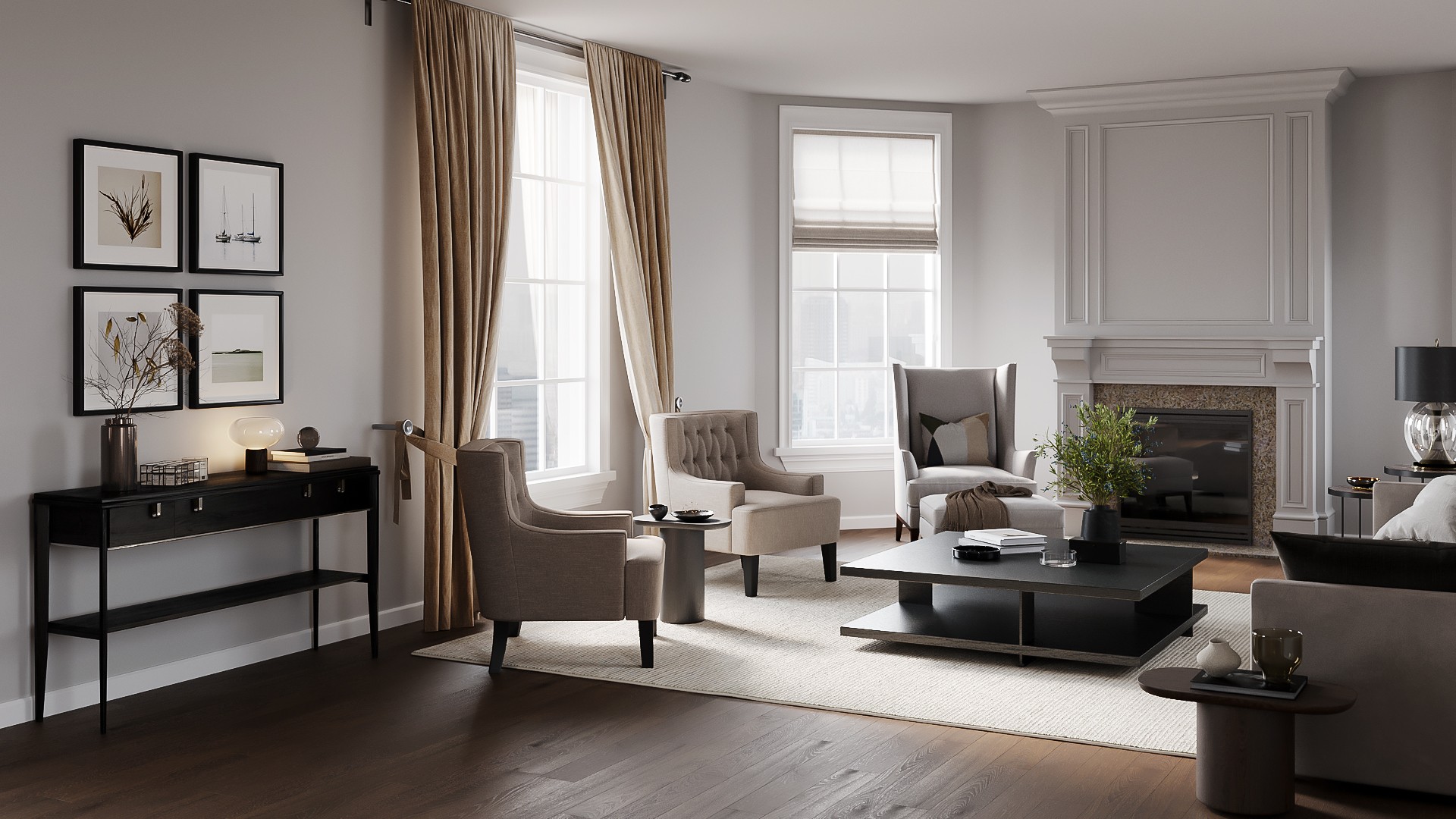
Which Styles Are Most Popular Among Virtual Staging Company In The Us?
3D Visualization
Virtual Staging for Real Estate: A Complete Guide for Agents and Photographers
3D Visualization
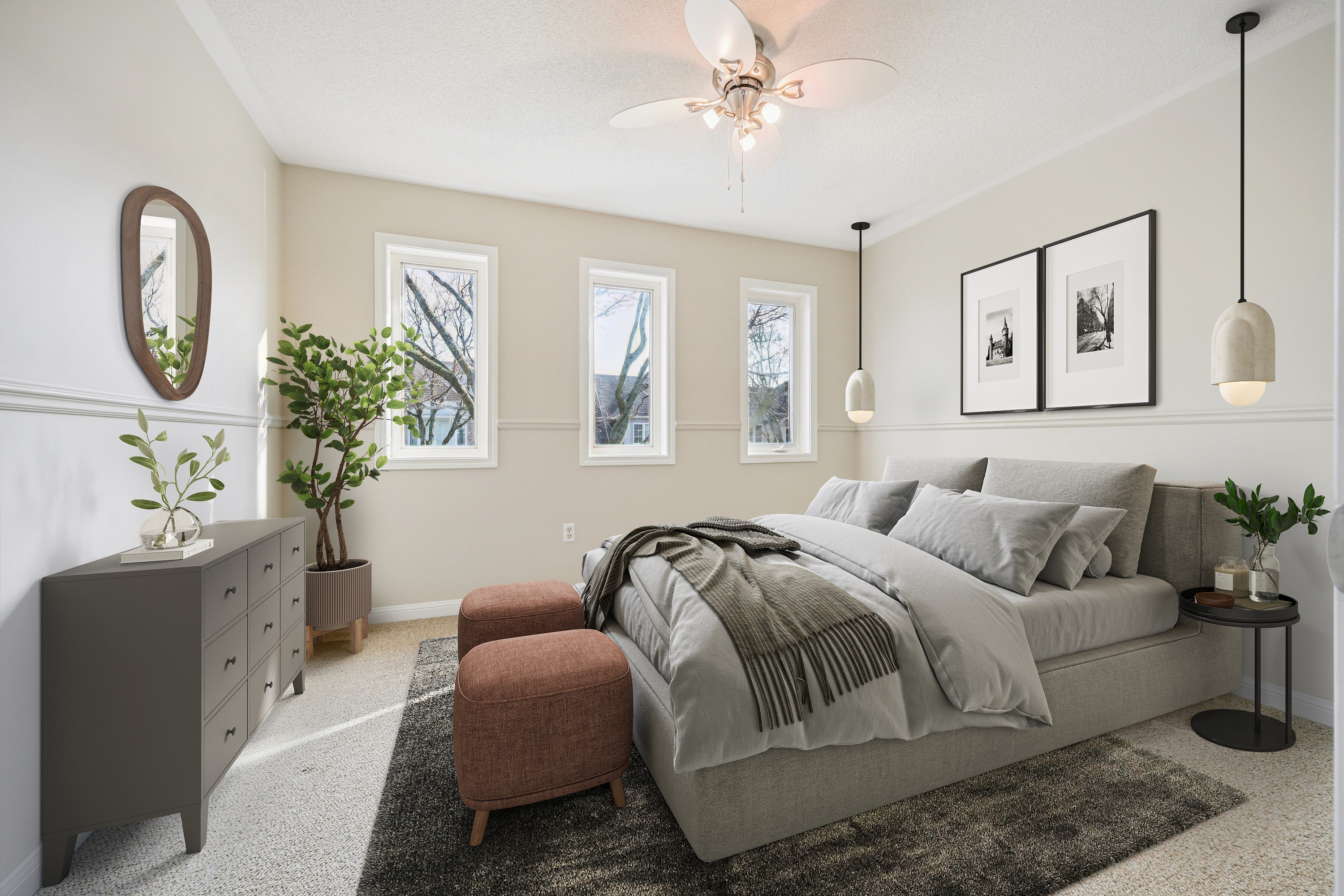
Virtual Staging Real Estate Software: What AI Can Do Vs. What It Can’t
3D Visualization

Real Estate Photography Editing Services For Luxury Listings, What's The Difference?
Photo Editing




Linh Phan
Content Strategy Executive
No Spam, Just Updates
Our fresh blogs provide technical and industrial information that helps strengthen your business. Sign up to be the first to receive the new updates
