Editing time and quality standards still create daily pressure for real estate teams, even as AI tools improve. AI real estate photos now sit in every listing workflow, yet many teams still juggle manual fixes, portal rules, and brand expectations on each order. This article walks through the core AI editing capabilities, how to design an AI‑first, human‑reviewed process, which quality rules to set, how to choose a stable engine, and how to apply these steps in practice.
The Core AI Real Estate Photo Editing Capabilities
Editing time only drops when you know exactly what AI can handle in AI real estate photos and where human skill still matters.
Automated HDR & Exposure Blending
AI merges multiple exposures into one balanced frame for a clear, neutral base.
Manages bright windows with darker interiors in a single image.
Balances highlights and shadows so rooms read cleanly.
Delivers starting files that need only light refinement.
Interior & Sky Replacements
Targeted selections keep adjustments focused on the right areas.
Refreshes flat skies with realistic, listing‑safe versions that fit the scene.
Corrects interior color casts from mixed lighting sources.
Adjusts mood while structure and layout remain accurate.
Virtual Staging
Virtual staging turns empty rooms into furnished spaces aligned with buyer expectations.
Places furniture that matches room proportions and circulation.
Adapts style to brand and target audience.
Produces both empty and staged versions for different portals or campaigns.
Object Removal & Decluttering
Decluttering focuses on minor distractions, not structural change.
Clears small items such as bins, cables, and light personal belongings.
Tidies floors and surfaces so rooms appear organised.
Flags heavier edits for editor review instead of automatic approval.
Perspective Correction
Accurate geometry sustains buyer confidence in each image.
Straightens verticals for walls, doors, and windows.
Reduces wide‑angle distortion so room proportions look believable.
Brings a consistent perspective across full property sets.
With these core functions in place, the next step is structuring a process that shortens editing time while holding quality, compliance, and brand standards.
See more articles: AI Photo and Video Editing for Real Estate Listings: Features, Tools, and Trends
How to Maintain Quality While Reducing Editing Time with AI?
AI contributes real value only inside a clear framework. In this section, we cover workflow design, quality rules, engine selection, and ongoing oversight so time savings never undermine image standards.
Designing an AI‑First, Human‑Reviewed Workflow
Start by assigning repetitive tasks to AI and reserving judgment‑heavy work for editors. Baseline corrections at scale typically include exposure, color, contrast, geometry, and standard HDR or sky adjustments.
Then define explicit triggers for human review:
Initial audits comparing input files and AI output for each new account or preset.
Complex scenes with strong window contrast, mixed lighting, or heavy clutter.
Image categories with higher legal or portal‑compliance risk, such as facades near neighbors or detailed street views.
Standard shots pass through an AI‑only lane; high‑impact or sensitive images follow a hybrid lane where editors refine the AI result before delivery.
Setting Clear Quality Rules and Style Guides
Quality improves when every party shares one reference, from photographers to editors to vendors. A practical guideline should cover three areas.
Technical targets
Define acceptable ranges for brightness, contrast, and color balance by brand or market, plus expectations for sharpness and noise in both interiors and exteriors.
Realism and integrity
State that structural elements never change and that no edit introduces misleading views or removes items that would alter a buyer’s understanding of the property. Translate portal/MLS rules and local legal constraints into concrete do’s and don’ts.
Brand tone
Describe how warm or cool images should feel, how saturated colors may appear, and how “polished” surfaces can look before they seem artificial.
These rules guide both AI configuration and manual editing, creating a consistent standard across all listings.
See more articles: 5 Best Real Estate AI Photo Editor Tools in 2026: Speed, Quality, and Scale
Choosing the Right AI Engine for Real Estate Photos
Tool choices shape both image standards and risk, so accuracy and stability sit ahead of flashy effects. Start by looking at how an engine treats structure and space, then review how it handles sensitive details and ongoing quality control.
Key points to assess:
Geometry and perspective: no warped walls, stretched rooms, or shifting layouts; straight lines for doors, windows, counters, and flooring.
Critical details: reliable rendering of window views, permanent fixtures, neighboring properties, and street context.
Training data and focus: models grounded in real estate imagery instead of generic internet photos.
Vendor track record: years in property media, a focused AI team, and a clear quality‑assurance process.
Run side‑by‑side tests against your current manual benchmark, then select the engine that delivers consistent, listing‑safe results, even with a shorter feature list.
For many teams, this points toward a specialised option such as Autopix by Esoft, built around real estate workloads and high‑volume production.
Monitoring Results and Adjusting Over Time
Once AI enters the workflow, steady oversight keeps quality on track.
Review a fixed sample from every batch and log patterns in exposure, color, and geometry.
Apply extra checks to high‑risk categories such as virtual staging, strong decluttering, and window pulls.
Collect structured feedback from photographers, agents, and marketing teams on recurring issues.
Use these findings to refine presets, style guides, and routing rules for AI‑only versus hybrid lanes so editing time drops while image standards stay aligned with brand and compliance expectations.
Esoft AI-only and Hybrid Editing for Real Estate Teams
Autopix: AI Real Estate Editing with Stable Quality at Scale
Esoft brings more than 20 years of experience in real estate photo editing and works with many leading real estate businesses worldwide. Autopix is the AI photo editing engine inside that ecosystem, built for teams that handle high volumes and expect consistent visual standard across every property set.
Autopix focuses on:
Stable quality at scale – consistent color, tone, and lighting across full sets and all batches
Real estate–specific intelligence – models tuned for property photography, room types, and listing standards.
Production‑grade AI – not trained on stock photos; developed by a Denmark‑based AI group with 10+ PhDs, feedback from 200+ real estate photographers, and more than 18 million images processed each year.
Smooth operations – Upload RAW files at speed and deliver assets through API or the Esoft platform - whichever fits your workflow best. With a direct Dropbox integration, files move seamlessly into production without manual downloading or re-uploading, reducing friction, saving time, and accelerating project turnaround.
For Autopix AI real estate photos, this turns Autopix into a central engine for HDR, sky work, geometry, and baseline corrections that match real listing requirements.

See more articles: What Is AI Real Estate Photo Editing Software? Features, Benefits, and Use Cases
Esoft Lite: Hybrid Editing with AI Speed, Human Precision
Some images still demand closer attention: luxury listings, heavy decluttering, complex window views, or high‑risk categories such as virtual staging. Esoft’s hybrid photo editing solutions, including Esoft Lite, address these scenarios by combining automation with specialist review.
Esoft Lite in practice:
Standard interiors and exteriors move through an AI‑first lane for fast, consistent output.
High‑impact or sensitive images follow an advanced hybrid lane, where editors refine AI results, verify geometry and views, and apply brand‑specific nuances.
Quality checks and feedback cycles maintain processing accuracy, seamless composition, and consistent results across each full set.
This hybrid model gives real estate teams AI‑level speed together with the control and assurance that come from a specialist editing partner.
Wrap Up
A structured approach to AI real estate photos reduces editing time while protecting quality, realism, and compliance. Core AI functions cover HDR, exposure, sky work, perspective, and decluttering, while an AI‑first, human‑reviewed workflow reserves editors for complex or high‑risk scenes. Clear quality rules and style guides steer every image, and careful engine selection prioritises geometry, color accuracy, and stability over long feature lists. With Autopix and Esoft’s hybrid editing, real estate teams gain consistent, production‑ready images at scale.
To explore which solution by Esoft - Autopix or Esoft Lite is suitable for your workflow, get in touch with us!
Related Blogs
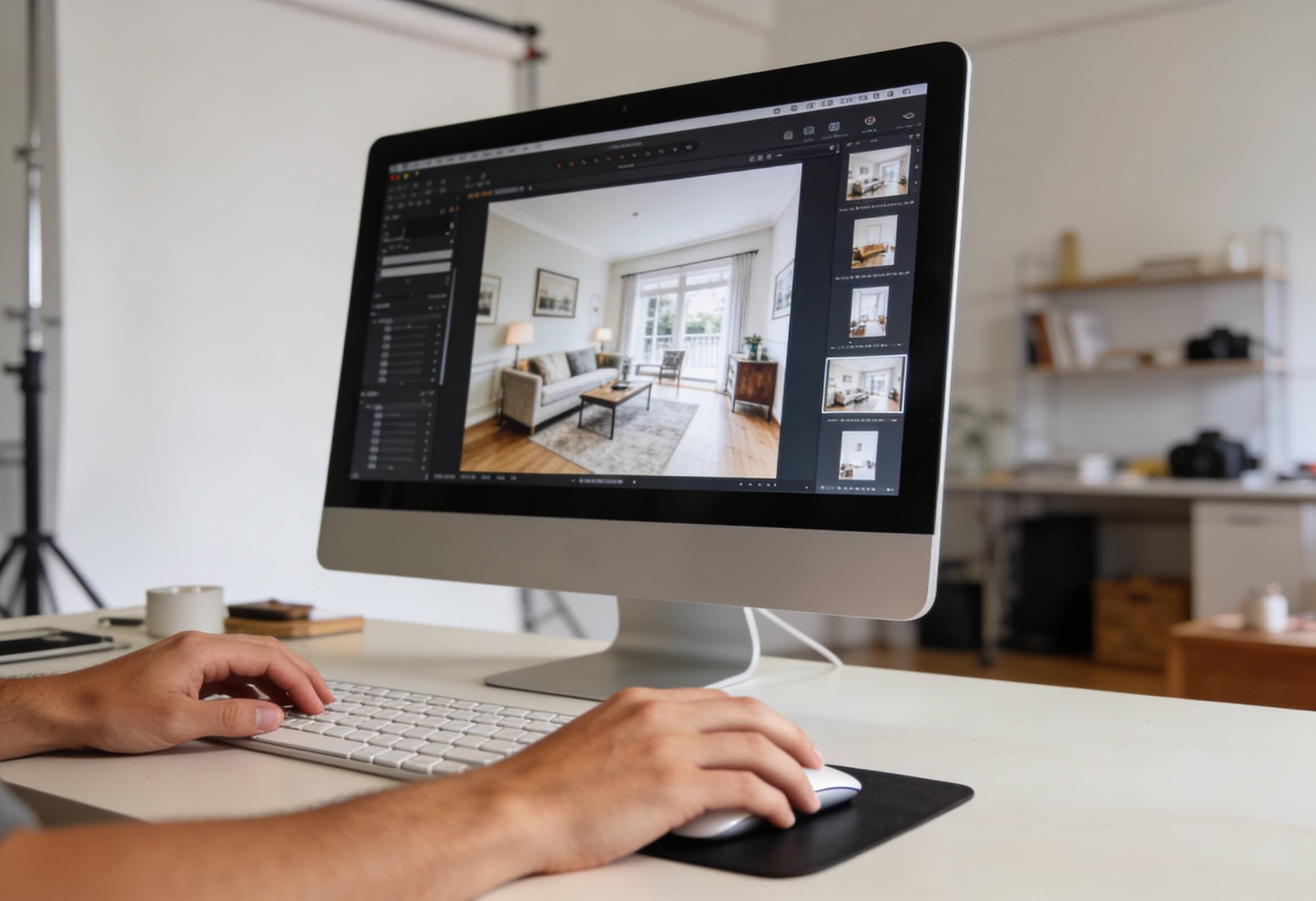
Manual vs AI Real Estate Photo Enhancement Services: Speed, Quality, and Cost
AI Photo Editing
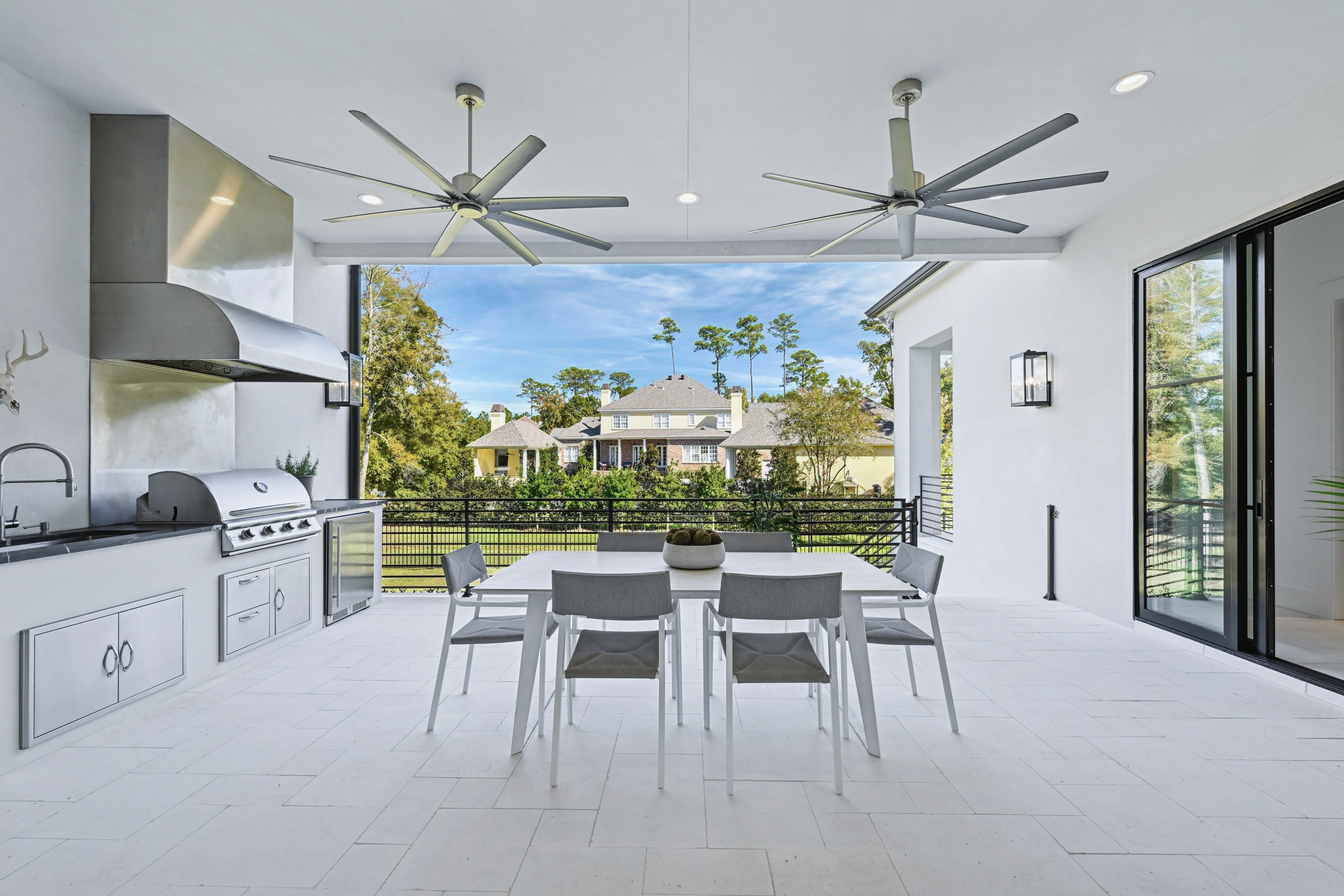
What Is AI Real Estate Photo Editing Software? Features, Benefits, and Use Cases
AI Photo Editing
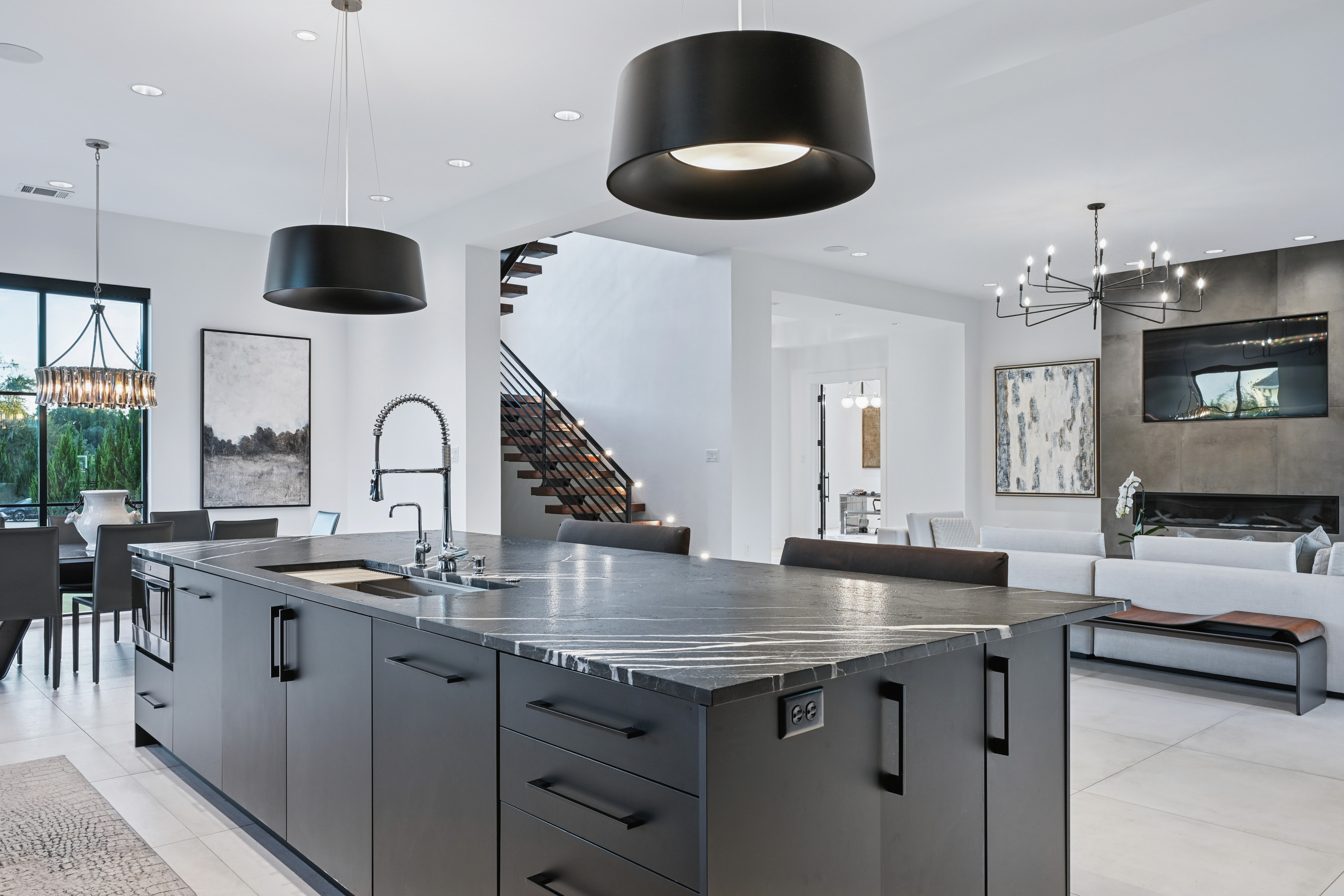
How AI Real Estate Photo Editing Tools Are Transforming Property Marketing
AI Photo Editing
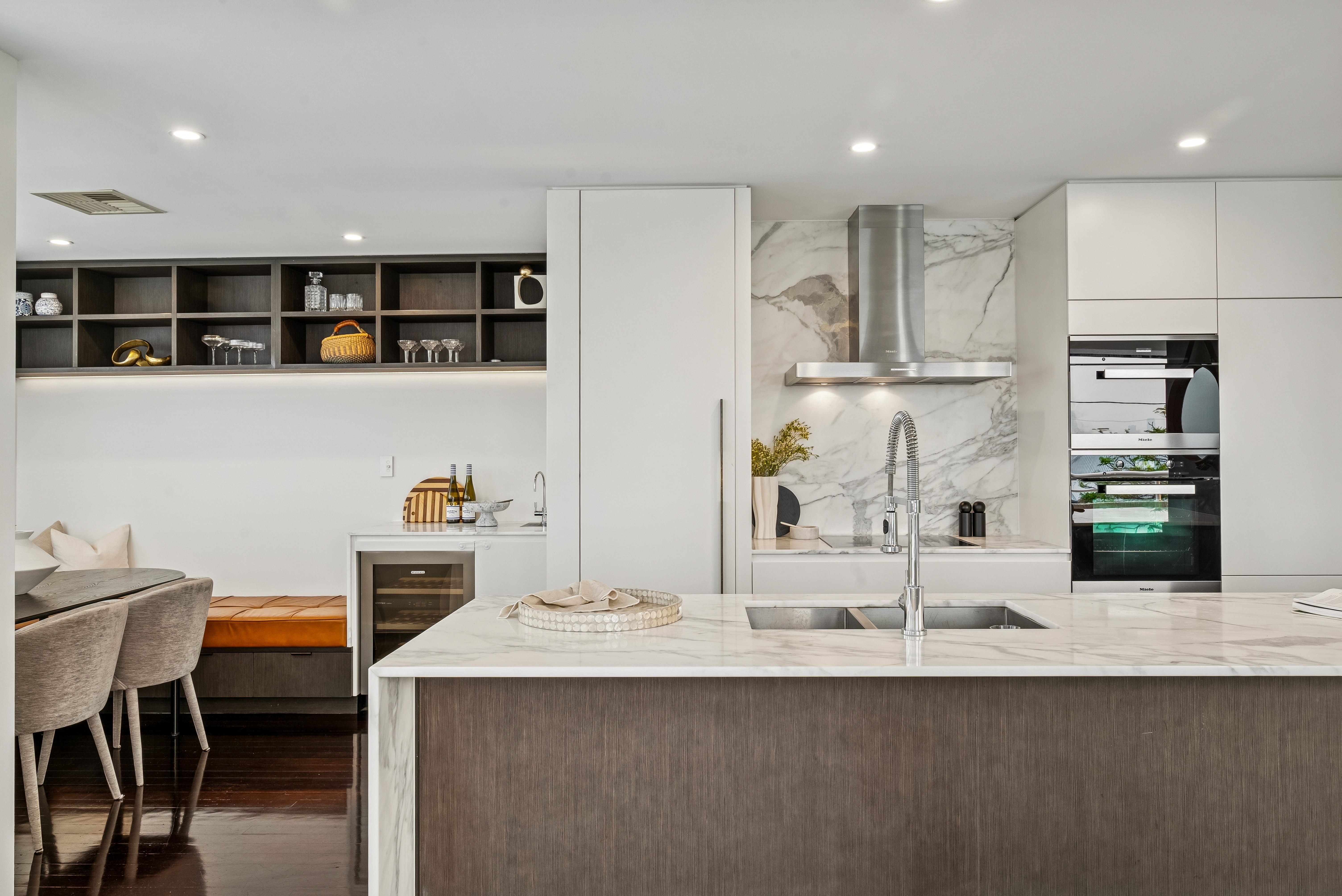
Why AI Real Estate Photo Editing Services Are the Future of Property Listings
AI Photo Editing
AI Photo and Video Editing for Real Estate Listings: Features, Tools, and Trends
AI Photo Editing
5 Best Real Estate AI Photo Editor Tools in 2026: Speed, Quality, and Scale
AI Photo Editing



Linh Phan
Content Strategy Executive
No Spam, Just Updates
Our fresh blogs provide technical and industrial information that helps strengthen your business. Sign up to be the first to receive the new updates