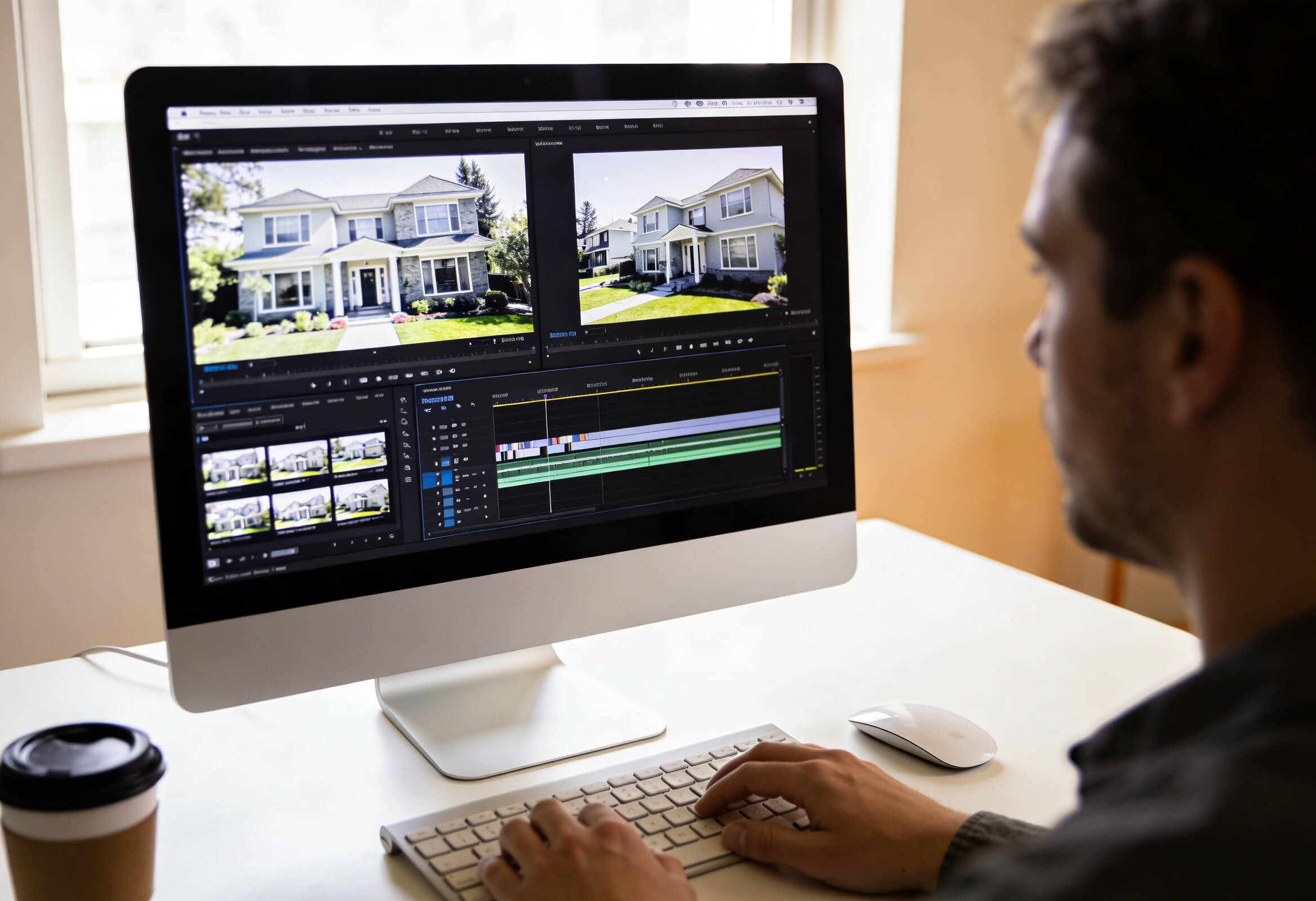
In 2026, real estate marketing teams move across portals, social feeds, ads, and email with rising expectations on volume and quality. The question is no longer if AI fits, but which AI photo video editing tools for real estate actually support day‑to‑day production, brand standards, and collaboration with photographers and coordinators.
This article walks through what marketing teams need from AI tools, the main categories to consider, leading options in 2026, and a practical way to design the right stack for your team.
What Real Estate Marketing Teams Need from AI Photo - Video Tools in 2026
Real estate marketing teams in 2026 face broader content demands across portals, social, ads, email, and brand campaigns, so tools must keep pace and be structured accordingly.
Teams now:
Handle frequent launches, remarketing waves, and ongoing social calendars.
Coordinate with photographers, coordinators, and marketers under tight timelines.
Manage different expectations by segment: standard listings, hero properties, and brand work.
From AI photo–video tools, this translates into clear requirements:
Speed and batch handling – quick processing of full shoots and backlogs.
Brand consistency – templates and presets that stay aligned across offices and markets.
Format‑ready outputs – vertical, square, and horizontal for reels, stories, and listing pages.
Collaboration – comments, versions, and smooth hand‑offs between internal teams and external partners.
See more articles: AI Photo and Video Editing for Real Estate Listings: Features, Tools, and Trends
Core Types of AI Photo Video Editing Tools for Real Estate (and What to Look For)
Before picking specific tools, real estate marketing teams should check that their stack can cover these core capabilities:
Turn listing photos into motion content (slideshows, reels, teasers).
Output for multiple formats: horizontal, square, vertical.
Add motion (pan, zoom, depth, parallax) that still feels realistic for property visuals.
Work at scale with batch processing, templates, and presets.
Support collaboration: comments, versions, approvals, and smooth hand‑offs.
You can then map those needs into four main tool categories:
1. Photo‑to‑Video and Slideshow Creators
What they do
Convert still listing photos into short property videos.
Auto‑sequence images, add simple motion, music, and basic branding.
Often sit close to photo delivery, so clips arrive together with stills.
Best for
Portal videos, email embeds, and simple social posts produced at volume.
Standard listings that need motion coverage without complex editing.
2. Social‑First AI Video Tools
What they do
Focus on vertical formats, reels, stories, and shorts.
Provide quick templates for “coming soon,” “just listed,” “open house,” and “sold.”
Optimise pacing, captions, and hooks for short attention spans.
Best for
Always‑on social activity and quick campaign turnarounds across multiple listings.
Ad variations and organic posts built from the same core media.
3. Advanced Motion and Parallax Tools
What they do
Add depth effects, layered motion, and parallax while keeping spaces believable.
Offer more cinematic camera moves from still photos.
Support fine control over focus points, speed, and transitions.
Best for
Hero listings, brand campaigns, and high‑attention content in crowded feeds.
Signature assets for landing pages and premium placements.
4. End‑to‑End Real Estate Media Platforms
What they do
Combine AI photo editing, video editing, and add‑on graphics in one environment.
Provide central dashboards, APIs/integrations, and standard workflows.
Include asset libraries, shared presets, and usage reporting for marketing leads.
Best for
Multi‑office teams and enterprises that need consistent outputs across markets.
Operations that want a single source of truth for visual production and status.
See more articles: 5 Best Real Estate AI Photo Editor Tools in 2026: Speed, Quality, and Scale
Best AI Photo Video Editing Tools for Real Estate Marketing Teams in 2026
Esoft Parallax AI Video
Esoft focuses solely on property visuals, so Parallax AI Video is built around real estate workflows rather than generic social clips. It uses AI to create parallax motion and depth from existing listing photos, then routes each job through Esoft editors and quality control.
Key advantages:
Real‑estate‑specific motion design tuned to interiors, exteriors, amenities, and clear room layout.
Consistent branding via shared presets and templates adapted to each brokerage, office, or franchise group.
Enterprise‑ready delivery with defined SLAs, documented QA steps, and secure handling for large portfolios.
Scalability across many listings and markets through standardised workflows, predictable lead times, and centralised project tracking.
Tight link to photo workflows so Autopix‑edited images, floor plans, and add‑ons connect into one coherent media package.
Best fit:
Hero listings, brand campaigns, and premium placements on portals or landing pages.
Marketing teams that want parallax motion connected to a full real estate media operation, not a standalone app.
AutoReel
AutoReel focuses on fast social‑first output from mixed media sources. Teams can feed in listing photos, short clips, and text, then select templates for announcements and updates. The emphasis sits on speed and ease for coordinators who manage many accounts.
Strengths:
Template‑driven vertical videos for reels and stories.
Quick production for “coming soon,” “just listed,” “open house,” and “sold” posts.
Simple interfaces that suit marketing coordinators and agents.
Best fit:
Social calendars that need frequent, lightweight listing updates.
Offices that want a straightforward way to publish vertical content from existing media.
Amplifiles
Amplifiles takes a media‑management angle, combining storage, organisation, and video generation. It focuses on structuring large volumes of photo and video assets, then drawing from that library for edits and exports.
Strengths:
Central library for photos, clips, and finished videos.
Tools for simple slideshows, listing clips, and distribution.
Useful for teams that already track many projects across markets.
Best fit:
Brokerages or media groups with high asset counts and many users.
Situations where organising and sharing media matters as much as creation features.
Quick Comparison: Esoft Parallax AI Video vs AutoReel vs Amplifiles
Dimension | Esoft Parallax AI Video | AutoReel | Amplifiles |
Primary focus | Parallax motion and depth from listing photos | Social‑first vertical clips and announcements | Media library plus simple photo‑to‑video outputs |
Real‑estate specialisation | High – built around property visuals and Autopix | Medium – listing templates within broader social | Medium – supports property media among other use cases |
Best use cases | Hero listings, brand campaigns, high‑impact placements | Frequent reels/stories for everyday listings | Asset management, slideshows, and basic promos |
Motion style | Cinematic parallax, depth, controlled camera moves | Snappy social edits with text and music templates | Simple slideshows and light motion |
Scale and operations | Enterprise workflows, QA, SLAs, multi‑market support | High‑volume social posting at office/team level | Large libraries, many users, cross‑market structures |
Branding and templates | Shared presets aligned to brokerage or brand rules | Template‑based captions and frames | Brand elements attached to stored templates and assets |
Fit inside a wider stack | Sits with Autopix photo editing and other Esoft video | Pairs with portal tools and ad managers | Connects DAM‑style storage to editing and delivery |
See more articles: Top 5 Real Estate Video Editing Services That Can Boost Listings
How to Choose the Right Stack for Your Team?
The ideal stack reflects how your marketing team already works today and where content demands are heading over the next one to two years. The goal is a set of tools that supports current channels without creating new silos.
Start with a quick review of your content mix:
Do most campaigns still rely on photo‑only listings, or does video already feature in many launches?
How important are social reels, stories, and shorts compared with portal and website views?
Which listings need high‑impact assets, and which mainly require reliable motion coverage?
Then, use structured questions for each vendor:
Volume and performance – Can the platform handle both average and peak job volumes from all markets?
Brand control – How are templates, fonts, overlays, and visual rules set up and governed across offices?
Quality assurance – What review steps exist, and when do human editors refine AI outputs?
Collaboration – How do photographers, coordinators, and marketers comment, approve, and track changes?
Integration – Does the tool connect cleanly to your DAM, portal feeds, CRM, or marketing platforms?
Finally, decide which tasks stay inside your team and which move to a managed service partner. Many organisations keep fast social edits and small adjustments in‑house, then rely on partners such as Esoft for parallax motion, complex listing content, and enterprise‑grade workflows that cover photo, video, and post‑production at scale.
In Short
In 2026, marketing leaders need AI photo video editing tools for real estate that meet channel demands, uphold brand standards, and work at scale across offices. A solid stack covers photo‑to‑video, social‑first formats, advanced motion, and media platforms, with clear QA and collaboration flows. Within that structure, Esoft’s Autopix and Parallax AI Video bring real‑estate‑specific editing, parallax motion, and enterprise workflows for portfolios across many markets. Contact us today to explore how our services can enhance your marketing team’s workflows!
Related Blogs

AI Photo and Video Editing for Real Estate Listings: Features, Tools, and Trends
AI Photo Editing

Manual vs AI Real Estate Photo Enhancement Services: Speed, Quality, and Cost
AI Photo Editing

What Is AI Real Estate Photo Editing Software? Features, Benefits, and Use Cases
AI Photo Editing

How AI Real Estate Photo Editing Tools Are Transforming Property Marketing
AI Photo Editing
Top Video Real Estate Editing Service Providers to Consider in 2026
Video Editing
When Should You Outsource Real Estate Video Editing Services? Key Signs
Video Editing



Linh Phan
Content Strategy Executive
No Spam, Just Updates
Our fresh blogs provide technical and industrial information that helps strengthen your business. Sign up to be the first to receive the new updates