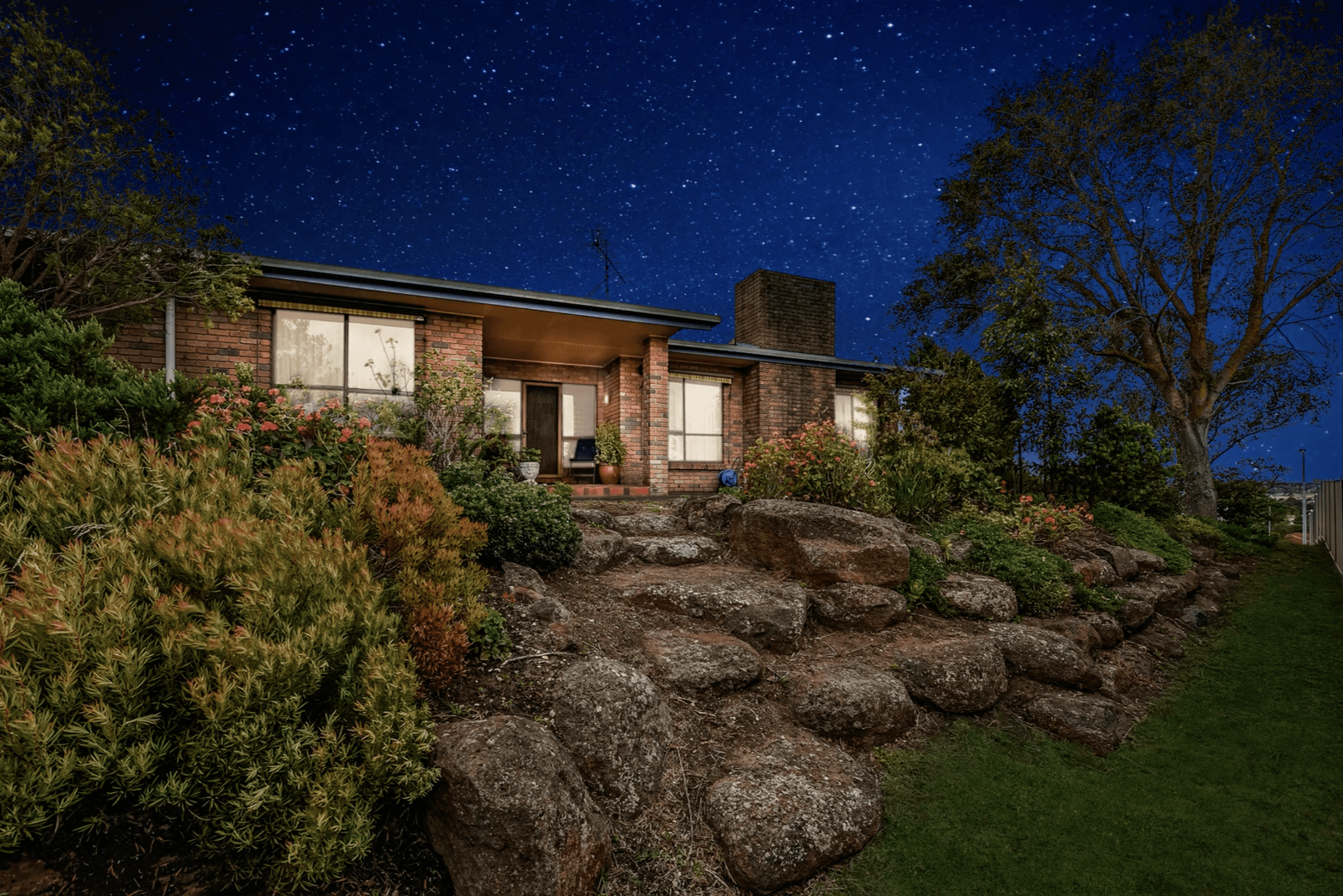
A strong property video guides buyers through a clear, focused experience that makes them want to take the next step. With the right format, structure, and editing, you can turn each shoot into content that works across listings, social media, and your brand channels. In this article, you will explore the best types of property video, seven practical tips to keep viewers engaged, and simple pre‑production steps that set every project up for success. Let’s start with the formats that capture audience attention.
Best Types of Property Videos to Capture the Audience
Different buyers respond to different formats, and a strong mix keeps your marketing fresh while reusing the same shoot across channels.
Full Property Tour Videos
These videos give the clearest sense of layout and flow. A full tour usually runs a few minutes, moving logically from exterior to main living areas, kitchen, bedrooms, and outdoor spaces. You can keep it simple with clean walkthrough shots and text callouts, or add narration or agent voiceover for more context. Use these on listing pages, portals, YouTube, and in email follow‑ups for serious buyers.
Highlight / Teaser Property Videos
Highlight videos focus on impact rather than detail. In 30–60 seconds, they showcase key features: curb appeal, main living area, kitchen, primary suite, and standout amenities such as a pool or a view. These edits are ideal for social media videos on Instagram, Facebook, TikTok, YouTube Shorts, and LinkedIn. Short vertical cuts, strong openings, and clear calls to action help you drive interest back to the full listing or tour.
Neighborhood & Lifestyle Property Videos
Location is often the deciding factor. Neighborhood and lifestyle videos show streets, parks, schools, cafés, transport, and local highlights that shape daily life. Mix wide shots of the area with close‑ups of details that matter to your target buyers - playgrounds, dog parks, gyms, co‑working spaces, waterfronts. These videos support multiple listings in the same area and work well on your website, YouTube, and social channels to position you as a local expert.
Read more: Top 5 real estate video editing services that can boost listings
Agent-Led Property Videos
In agent‑led videos, you or a team member appear on camera to introduce the property, share context, and guide viewers through key spaces. This format builds trust and personal branding while still keeping the focus on the home. Use a simple structure: short intro, 2–3 main selling points, and a clear next step. These videos fit listing pages, About/Agent pages, social posts, and targeted ads aimed at both buyers and future sellers.
7 Tips for an Absolutely Captivating Property Video
Once you choose the right format, these practical tips help your property videos hold attention and drive action.
1. Hook Viewers in the First 5 Seconds
Viewers decide quickly whether to keep watching. Open with your strongest shot or moment: the best view, the main living area, a quick before/after of staging, or a dynamic exterior clip. Add a short on‑screen line or voiceover that sets the scene and states who the property is for or what makes it stand out.
2. Tell a Story, Don't Just Film
Plan a simple narrative: arrival, first impression, main living zone, private areas, and lifestyle spaces. Show how someone would move through and use the home in a typical day. Group related shots together instead of jumping randomly between rooms, and end with a clear next step, such as booking a viewing or visiting the listing page.
3. Use Stable, Cinematic Movement (Gimbal)
Shaky footage distracts viewers and reduces perceived quality. Use a gimbal or stabilizer whenever possible, and move slowly with deliberate motions - smooth pushes, gentle pans, and steady reveals of key features. Avoid constant movement; mix static, well‑composed shots with controlled motion for a calm, professional feel.
4. Optimize Lighting and Time of Day
Good light can transform how a property appears on camera. Whenever possible, shoot when natural light is soft and even, often late morning or late afternoon. Open blinds, turn on interior lights, and avoid strong mixed color temperatures if you can. For exteriors, plan around the direction of the sun so façades and outdoor areas look inviting rather than harsh or flat.
5. Pair Footage with Energetic Music and Pacing
Audio influences how viewers experience the video. Choose music that matches the property and target audience - lively tracks for modern city apartments, calmer tones for family homes or retreats. Cut to the rhythm so transitions feel intentional. Keep shots on screen long enough to understand the space, but not so long that attention drifts.
6. Use Wide-Angle Lenses to Showcase Space
A good wide‑angle lens helps viewers read the room, see connections between areas, and understand scale. Use wider shots for overall context, then mix in a few medium and close‑up shots for important details. Avoid extreme distortion near the edges by keeping the camera level and not pushing the focal length too far if the space allows.
Read more: Top Features to Look for in a Real Estate Video Maker: A Comprehensive Overview
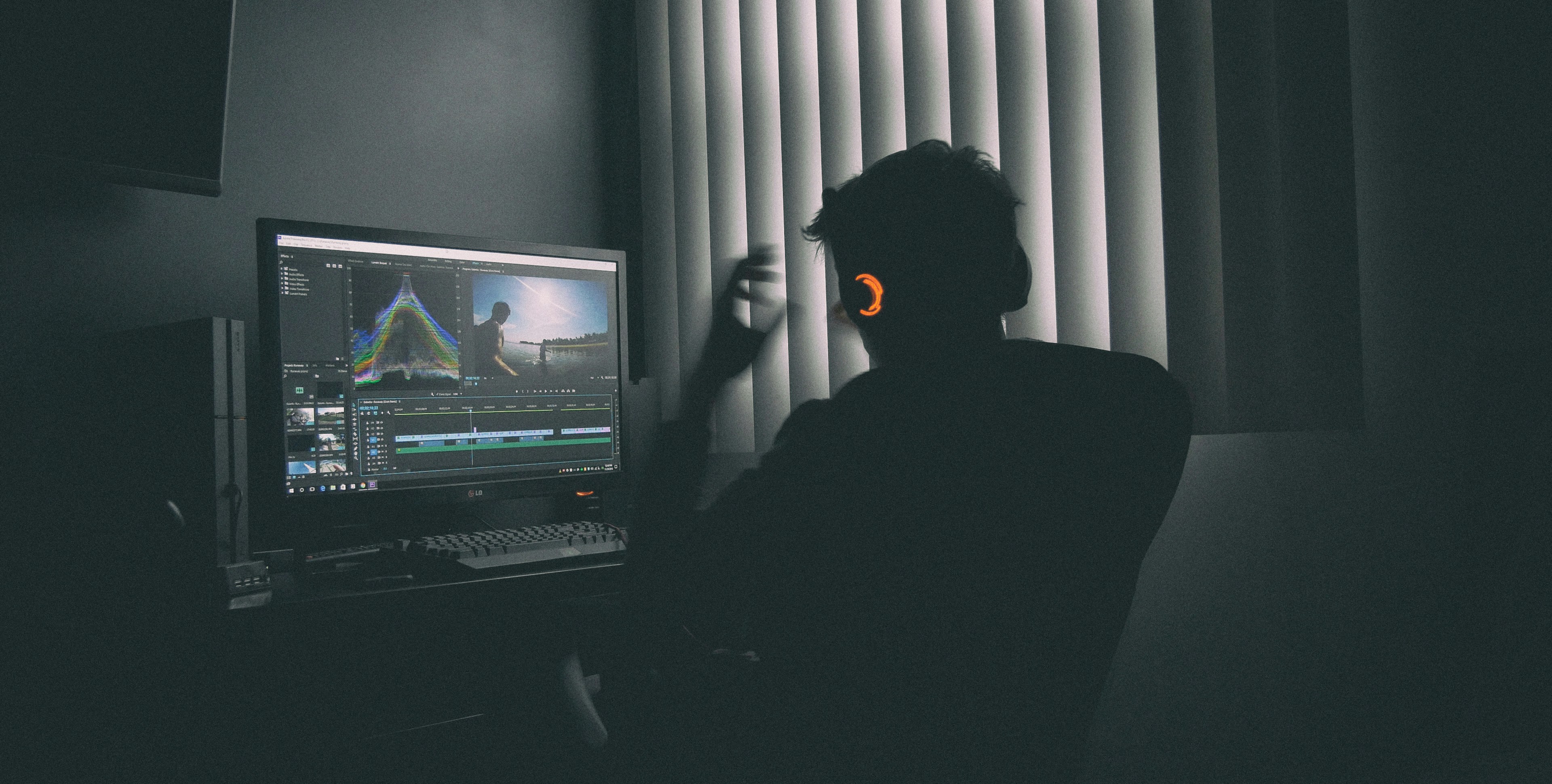
7. Touch up with the Property Video Editing
Editing is where everything comes together. Trim out unnecessary steps, tighten pacing, adjust exposure and color, and add simple titles or graphics for room names and key features. Create multiple versions from the same footage - horizontal for listing pages and YouTube, vertical for social media videos, so each platform gets a tailored cut. If editing becomes a bottleneck, consider working with a specialist property video editing team to keep quality and output consistent.
Pre-Production Essentials: Setting Your Property Video Up for Success
Strong property videos start before you hit record. A clear plan saves time on site and in the edit, and helps you walk away with footage that is easy to turn into multiple versions.
1. Clarify the goal of the property video
Decide what this video should achieve: generate inquiries for a specific listing, build local awareness, support your personal brand, or feed your social channels with regular content. Your goal will guide length, format (full tour, teaser, lifestyle), tone (informative, aspirational, agent‑led), and primary platforms. When everyone on the shoot knows the goal, it becomes easier to decide what to include, what to skip, and how much time to spend on each area.
2. Identify key selling points and must‑show spaces
Before the shoot, review the listing details, talk with the owner or agent, and walk the property if possible. List the features that truly matter: layout, ceiling height, natural light, views, outdoor areas, storage, upgrades, or building amenities. Note any special angles that show these elements best. Mark must‑show rooms and scenes so you do not leave with gaps that are hard to fix later, especially if access to the property is limited.
3. Tidy, stage, and declutter beforehand
Video picks up distractions that photos sometimes hide. Ensure the property looks ready before the camera comes out: remove clutter, personal items, cables, bins, and anything that draws attention away from the space itself. Light staging - cushions, plants, neutral décor, balanced furniture placement, helps rooms feel inviting and coherent on screen. Align expectations with owners in advance so they understand what needs to be moved or adjusted before filming.
4. Plan a simple shot list
A shot list keeps you organized without making the shoot rigid. Create a basic sequence: exterior and street view, entry, main living area, kitchen, bedrooms, bathrooms, work or flex spaces, outdoor areas, building amenities, and key details like finishes or smart features. Note which shots you need in both wide and detail views, plus any specific clips for vertical social edits. This checklist keeps the shoot efficient, supports a logical story in the edit, and reduces the risk of missing important views that buyers expect to see.
Read more: How To Build Attractive Media Packages for Real Estate Marketing
Esoft - Supporting Captivating Property Videos at Scale
Esoft partners with real estate brands, brokerages, and media companies that need consistent, engaging property video across many listings and channels. With more than 20 years in real estate across the US, Europe, and Australia, the team understands listing cycles, busy seasons, and the demands of multi‑platform marketing.


Production runs on an AI‑plus‑human setup: automation handles repetitive steps and file flow, while experienced editors focus on pacing, color, and how each space feels on screen. This helps you turn raw footage into property videos that capture attention and drive action.
Esoft offers a structured range of property video editing services, including:
Property tour video editing – room‑to‑room tours that clearly show layout and key features.
Aerial tour video editing – refined drone footage that highlights surroundings and context.
Agent intro/outro video editing – branded segments that introduce the property and the agent on camera.
Parallax slideshow creation – dynamic motion slideshows built from still photos for quick property video content.
Social media video editing – vertical and short‑form edits tailored for Instagram, Facebook, TikTok, YouTube, and LinkedIn.
With Esoft handling the editing and repurposing, your team can focus on winning listings and working with clients while still delivering polished, platform‑ready property videos.
Conclusion
A strong property video starts with clear goals, solid pre‑production, and the right format for your audience, then relies on storytelling, stable movement, good lighting, and thoughtful editing to keep viewers engaged. When you plan for multiple versions from a single shoot, you gain content for listings, social media, and branding without adding extra strain to your team. If you want a partner who can help you edit and repurpose property videos at scale while you focus on clients and listings, contact Esoft.
Related Blogs





Linh Phan
Content Strategy Executive
No Spam, Just Updates
Our fresh blogs provide technical and industrial information that helps strengthen your business. Sign up to be the first to receive the new updates
